4,876 Tests Later, I Moved Them Off My 8GB MacBook onto a Free Oracle VM
Oct 29, 2026
On this page
I’m building Notaly, an Electron notes app, by myself with Claude Code. My dev machine is an M1 MacBook Air with 8GB of RAM.
Claude Code lets me ship a lot faster, and oddly, that has made me more anxious. Every day the code changes more than I can keep track of. Since writing code (tests included) now costs me almost nothing, I made tests part of every change.
How I make the agent write tests
The rules live in CLAUDE.md and two git hooks.
- Every code change ends with a check run: type check, lint, unit and component tests, and a build. It takes about 45 seconds.
- Before fixing a bug, the agent writes a failing test that reproduces it.
- When the agent writes a new test, it has to break the code on purpose and show that the test fails. Otherwise the test might pass no matter what the code does.
- Cheap checks run on every commit. Expensive ones are too slow for that, so the commit-msg hook makes the agent explain itself in the commit message instead. It notes which layer a new test belongs in (testing the same thing takes a second or two in Vitest but tens of seconds end to end), and what happened when it broke the code on purpose, or why it skipped that step.
I don’t block commits on the expensive checks. If every commit had to wait for the full suite, I’d start using --no-verify and there’d be no record at all. A written reason at least ends up in the git log, where I can grep for it later.
The suite grew fast. It’s now 4,876 tests: 4,361 unit and component tests in Vitest (322 files) and 515 end-to-end tests that launch the real app (84 files).
What I didn’t automate
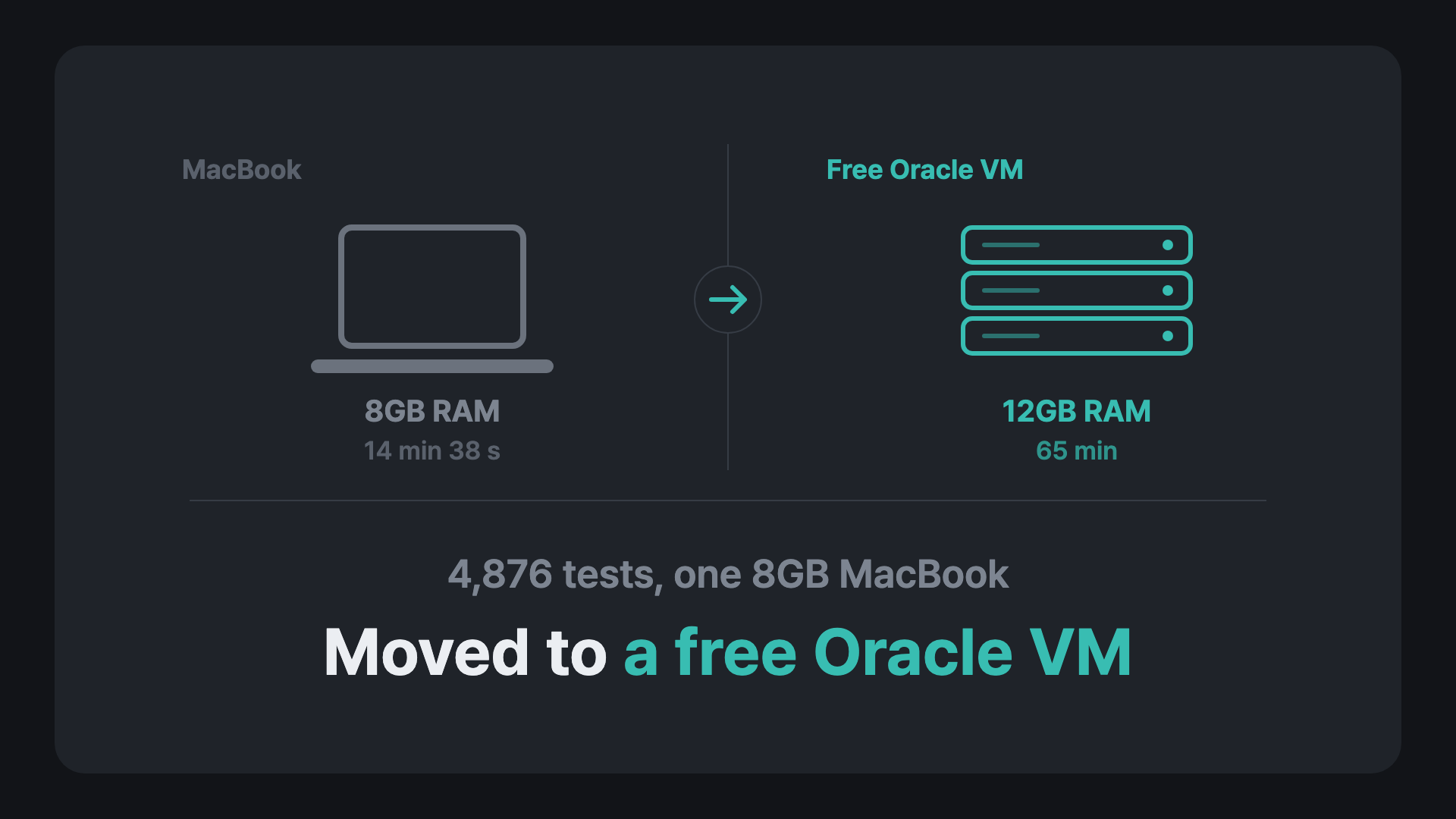
None of these rules required a full end-to-end run. On my Mac, the full suite takes 14 minutes 38 seconds, but that’s with nothing else open. With the app, an editor and a browser running, 8GB runs out and everything slows down. So I ran it less often than I should have, and a broken end-to-end test could sit there unnoticed for a long time.
Why not GitHub Actions
I already use GitHub Actions to build the Windows release. My repo is private, so the free plan only includes 2,000 minutes a month. On a 2-core Linux machine a full run takes about an hour, so running it every three hours could add up to 15,600 minutes a month. Past the free minutes, Linux runners cost $0.006 a minute, which comes to about $80 a month for an app that doesn’t make money yet.
What I did
Oracle Cloud’s Always Free tier includes Arm VMs. Mine uses all of the free Arm compute: an Ampere Altra with 2 OCPUs (2 cores), 12GB of RAM and a 100GB disk, running Ubuntu 24.04. Electron runs on a virtual display (Xvfb).
A cron job checks main every three hours. If it changed, a script runs everything (type check, lint, Vitest, build and every end-to-end test) and commits the result to a separate branch, with the logs attached when something fails. I never log into the server. The history of that branch tells me which commit broke what.
The result
A full run takes 65 minutes on the VM, about 4.4 times as long as on my laptop with nothing else open. The server runs the end-to-end tests one at a time on two cores, while my Mac runs them in parallel. That’s fine, because nobody is waiting on it and my laptop stays usable while it runs. A broken test now shows up within a few hours of the commit that broke it, instead of whenever I get around to running the suite.
Things to know before you try it
- Set a fixed size for the virtual screen. The app opens at the screen’s size, and at 2560×1305 a few tests failed every time. 1600×1000, about the size of a MacBook screen, works.
- Match your Mac’s setup wherever the tests rely on it. I needed the
sqlite3command-line tool (some tests read the database directly) and the same locales as my Mac. - Thirteen tests only make sense on macOS (full-screen Spaces, the window buttons, Cmd+Delete and so on), so they’re skipped on Linux. They only run when I run the suite on my Mac, which I used to do before every release. With so few users right now, I’ve stopped doing that. I just ship and fix bugs as they come up.
- Oracle can reclaim Always Free VMs that look idle for 7 days (CPU, network and, on Arm VMs, memory usage all under 20%). Mine only runs tests when
mainchanges, so most weeks it would look idle. Oracle’s notice email said idle instances aren’t reclaimed on Pay As You Go accounts, so I upgraded the account. Always Free resources stay free after the upgrade, and you only pay for usage above the free limits. It hasn’t been reclaimed so far. - Oracle’s current docs list the free Arm allowance as 2 OCPUs and 12GB of memory, the size of my VM. Older guides list a bigger limit.